Alarms
The Standard System includes Alarms, allowing you to set and manage time-based alerts and reminders within your own self-hosted system.
The idea behind Alarms in Standard is that the computer running is connected to a speaker, a sound will play and a notification will be displayed in the Public UI.
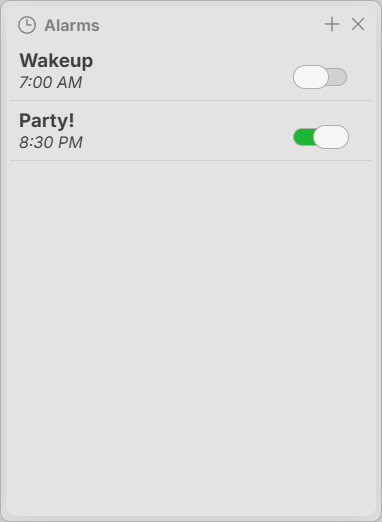
Creating an Alarm
Create an alarm in the Alarms interface by clicking the + button in the top right corner of the window. Provide an optional name and describe a time like '12a'.
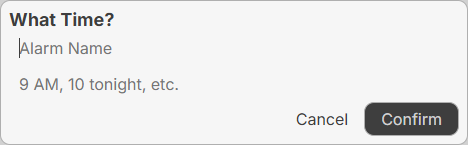
Modifying an Alarm
To modify an alarm, click the alarm and get the alarm modification window. From there, you can change the time or delete.
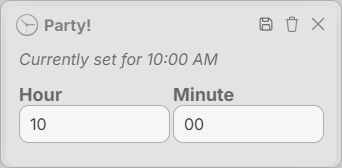
To delete an alarm, click the trashcan in the top right corner of the alarm modification window as pictured above.
Keywords: alarms, alerts