Calendar
The Standard System can be used as a personal calendar server for your own schedules and event tracking without relying on a third-party cloud.
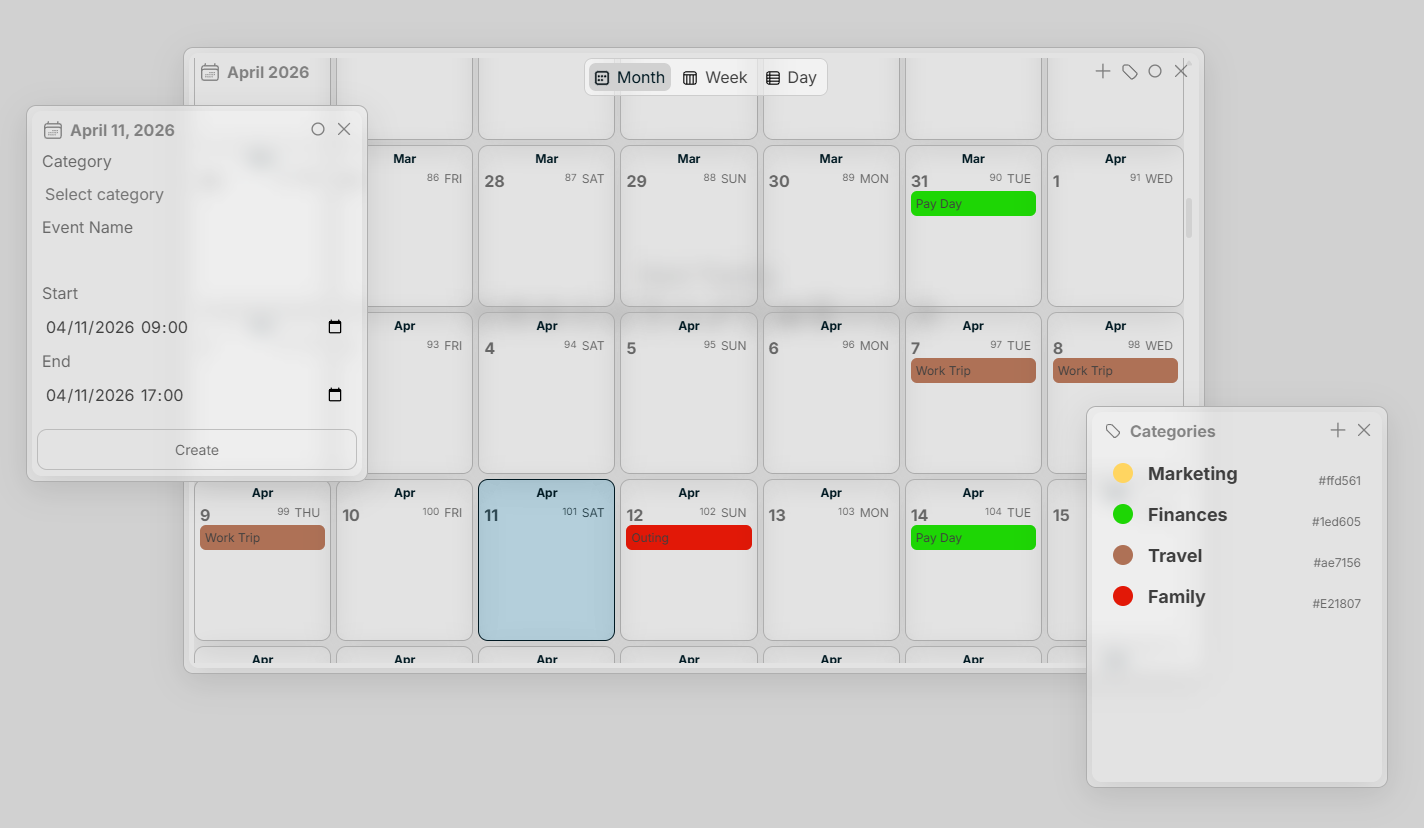
The Calendar interface allows creating multiday, single-day, and reoccurring events with categorization.
Events
As seen above, create an event by simply right or left-clicking on a date.
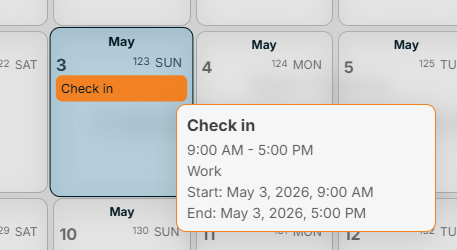
Hover on an event in the Calendar interface to preview details or click an event to view/modify an event.
Categories
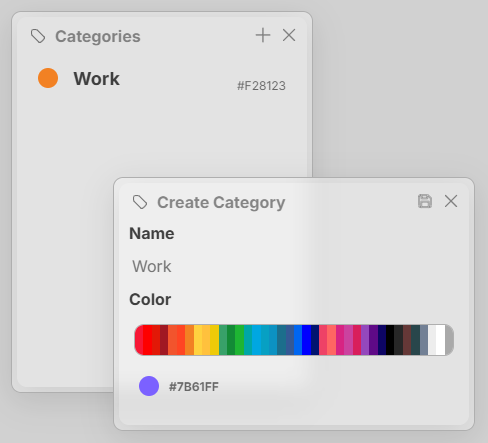
Categories help quickly identify the events you have on your calendar. You can create a calendar by selecting the tag button in the top right of the Calendar interface. Categories have a name and a color.
Save Cateory/Event
Ctrl + S
Modify Event
Ctrl + M
Delete Cateory/Event
Ctrl + Del
Keywords: calendar, events, schedule