Notes
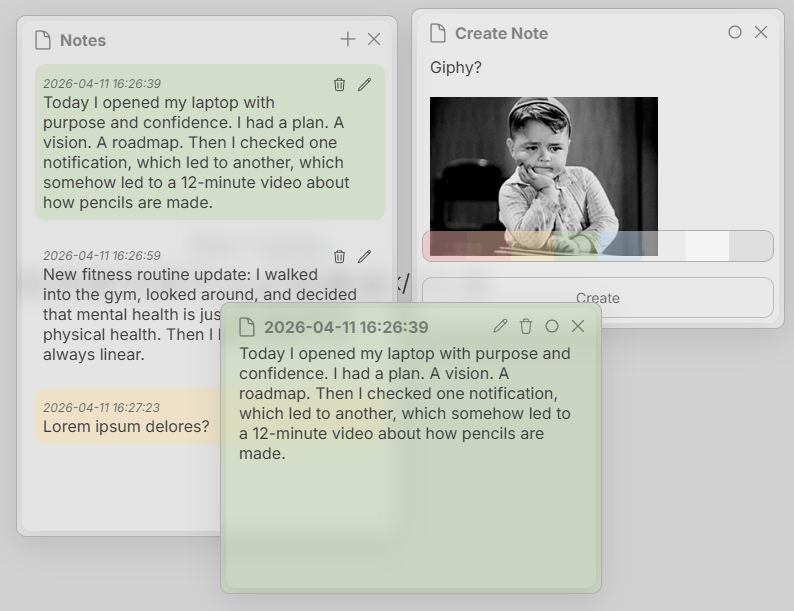
The Standard System includes Notes. You can write text, paste in images, and change note colors to help keep information visually organized.
Capabilities
In its current state, Notes supports basic text and pasting images from the clipboard.
Creating a Note
Create a note by clicking the '+' tool in the top right of the main Notes app.
Viewing a Note
View a note by clicking on a Note in the main Notes app. You can also view notes within the files app by clicking the Notes tab.
Save Note
Ctrl + S
Modify Note
Ctrl + M
Delete Note
Ctrl + Del
Keywords: notes, sticky notes