Text Files
The Standard UI includes Text Files (Words), a simple word processing tool for creating and editing documents with basic functionality. It serves as a straightforward alternative for writing and managing text-based documents within your own self-hosted system.
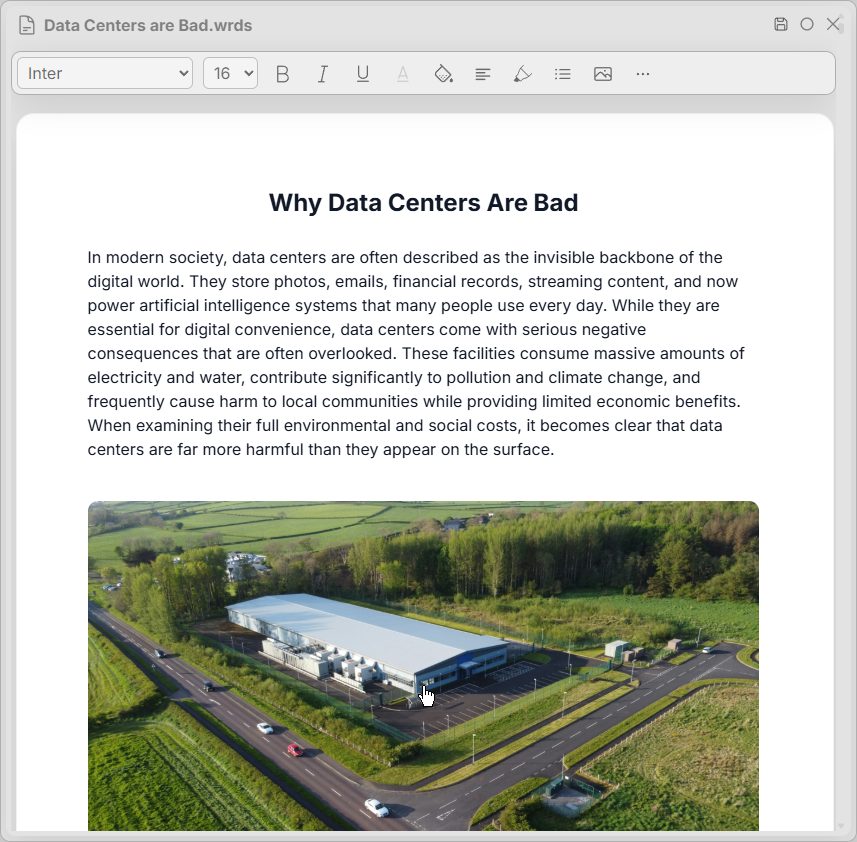
Save Changes
Ctrl + S
Modify Doc
Ctrl + M
Find in Doc
Ctrl + G
Change Font Family
Alt + FF
Change Font Size
Alt + FS
Bold Text
Alt/Ctrl + B
Italicize Text
Alt/Ctrl + I
Underline Text
Alt/Ctrl + U
Add Link
Alt/Ctrl + K
Change Text Color
Alt + F
Change Text Background
Alt + BG
Align Text
Alt + A
Indent Text
Alt + D
Highlight Text
Alt + H
Insert List
Alt + L
Insert Shape
Alt + SH
Insert Table
Alt + X
Insert Image
Alt + IM
Doc View Options
Alt + O
Keywords: text files, word alternatives, document editor